Yesterday I was contacted by a customer that had some problems with a WiFi client leaving and rejoining an SSID. The customer wanted a good answer why this was happening and sended my a massive log from the WLC.
In this post, I will show in my opinion one of the best ways to troubleshoot a client and gather information on why I client is leaving an SSID.
Even though the WLC-logg have a lot of good information, its has limited filter capabilities and its hard to get a good overview of what is happening. Because of this I would instead try getting the customer to gather a frame capture from the area where the clients is experience problem.
Using filter in Wireshark can be very powerful to quick get the information your looking for, for example filtering on only a specifik clients Mac-adress using:
wlan.addr == fc:34:97:23:7d:24
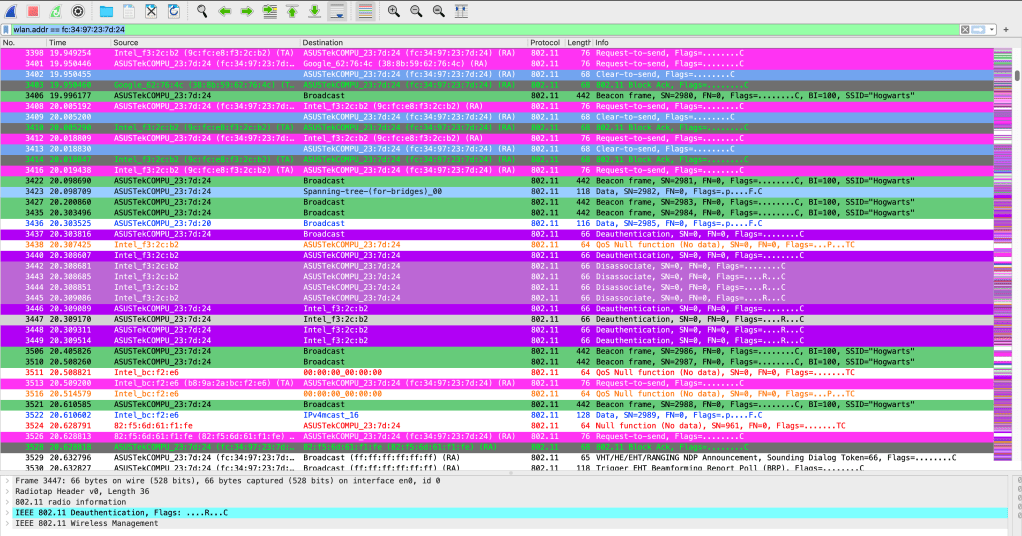
or looking for a special type of frame, in this case I would look for deauthentication frames using wlan.fc.type_subtype == 12
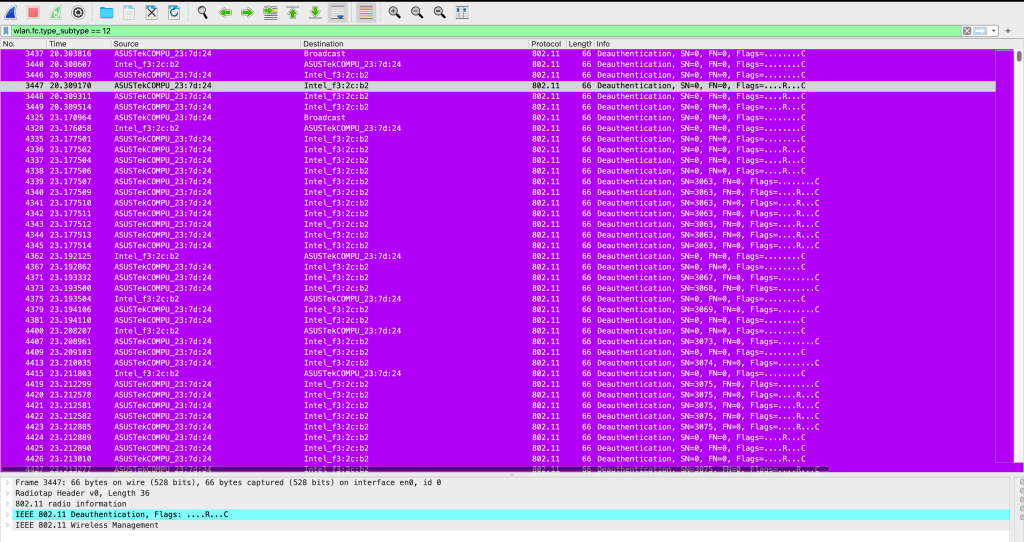
What you should look for in the Deauthentication frame is the reason code, here is three examples: ‘
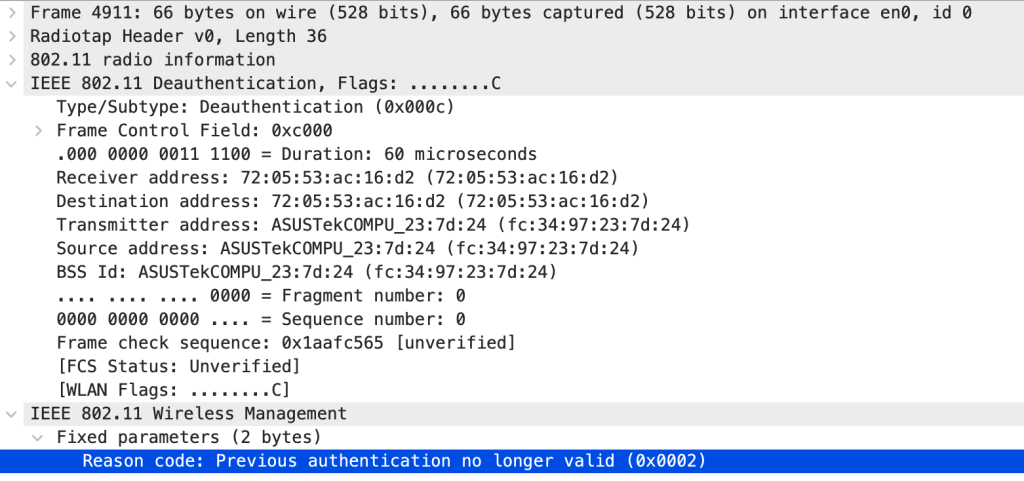

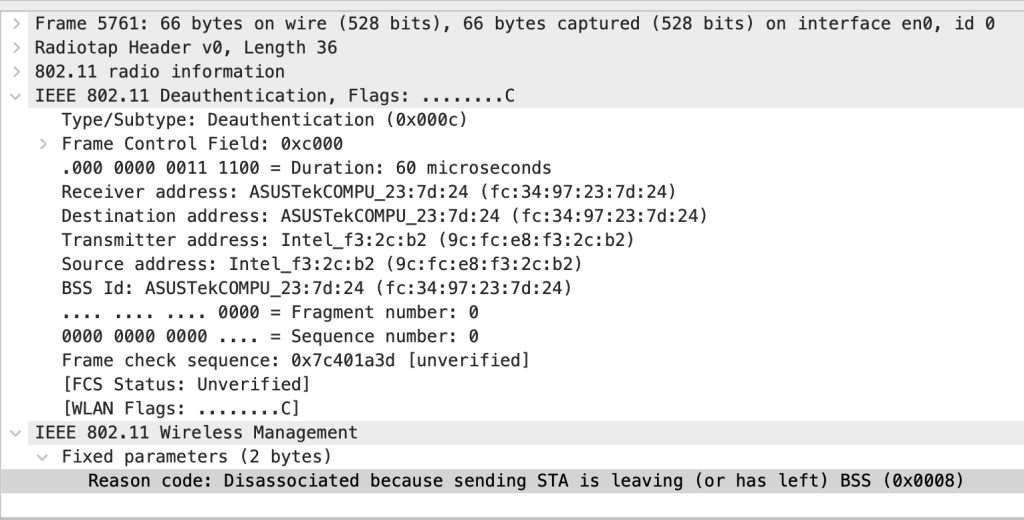
In the IEEE 802.11 standard from https://standards.ieee.org/ a full list of all the Reason codes can be find, this will give u a good help to finding out why the Client is leaving the SSID and where to continue and focusing your troubleshooting.
 WiFiSwede
Leave a comment